Best Cinematic Wedding Portrait AI Photo Booth Prompts & Settings
The Cinematic Wedding Portrait style delivers a photorealistic finish that looks like a real photograph with a romantic, elegant, golden hour aesthetic. It's designed for weddings and romantic events, creating instant wow-factor print strips that guests keep. Works beautifully with a single subject and most modern AI booth software.
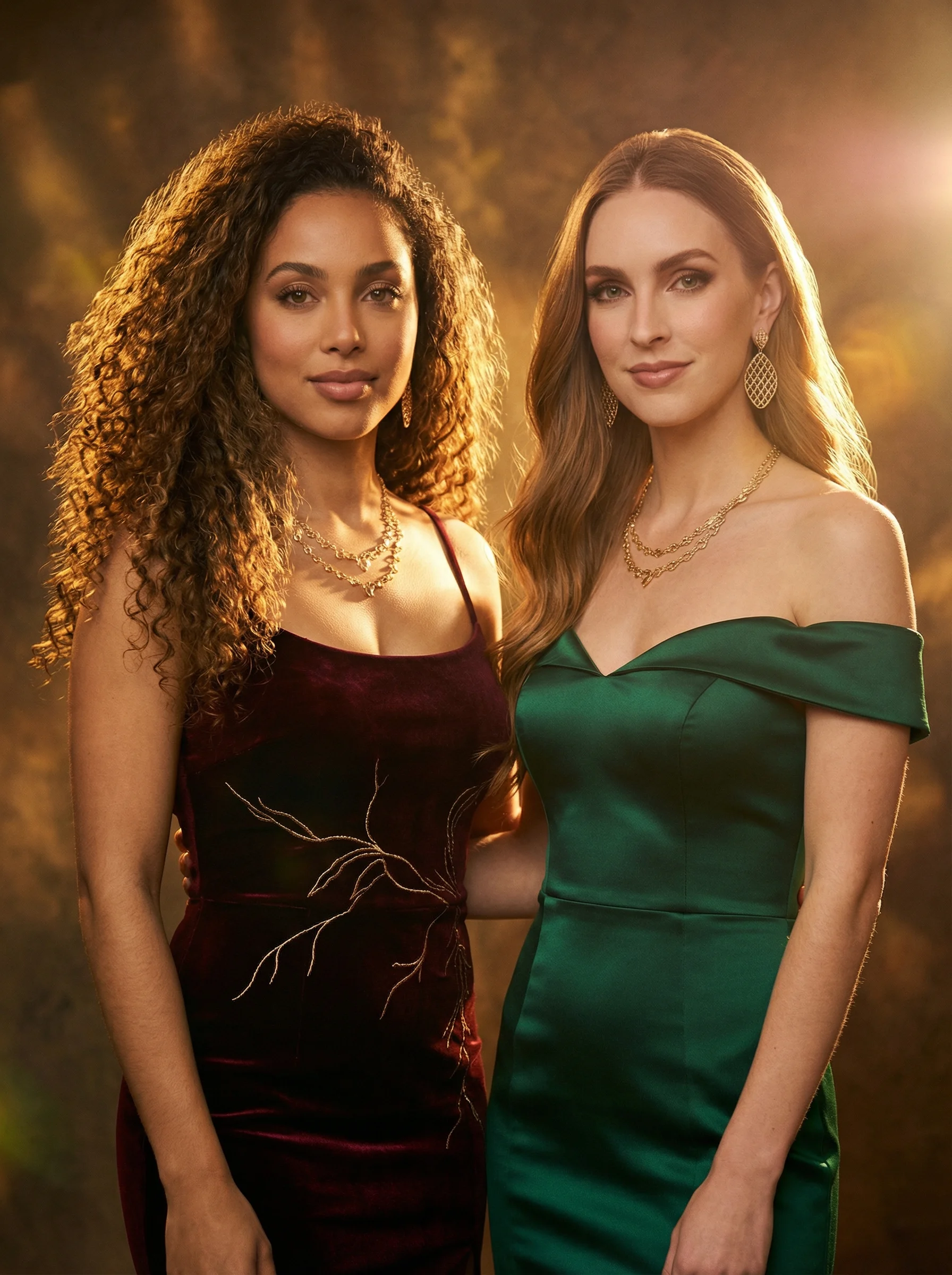
Every image here started as one real guest photo. Same photo, different prompt.
What is the Cinematic style?
The Cinematic style uses a photorealistic render engine to transform guest photos into romantic, elegant scenes. It pairs best with clean, well-lit reference photos and works especially well for wedding events.
Filter type: BananaFX 2.0 (photorealistic). Recommended strength: 0.8. Aspect ratio: 3:4 (Portrait).
Prompt Preview
Generate a booth-ready prompt for your next event in under 60 seconds.
Try the Free Generator →Settings
| Filter | BananaFX 2.0 |
| Strength | 0.8 |
| Aspect Ratio | 3:4 (Portrait) |
| People | 1 |
| Look | photorealistic |
| Negative Prompt | blurry face, distorted features, low quality, overexposed, harsh shadows, cartoon, anime, painting style |
Platform Tips
LumaBooth (legacy custom filter mode): Paste the prompt into Stable Diffusion weighted token mode. Add
(photorealistic:1.3) at the start for sharp, lifelike output.TouchPix: Works best with this style in Standard mode. Keep generation steps at 30+ for fine facial detail.
Related Styles
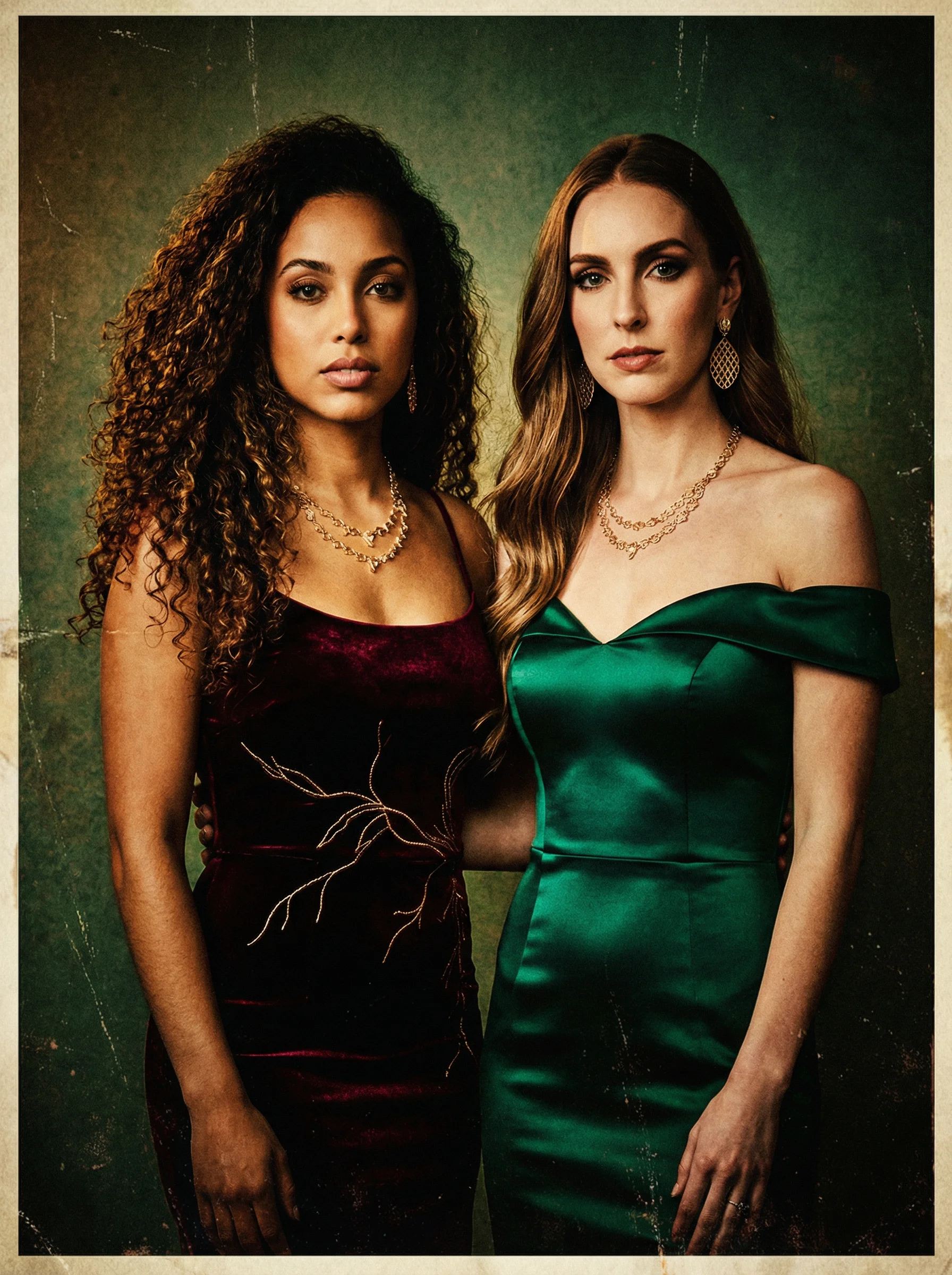
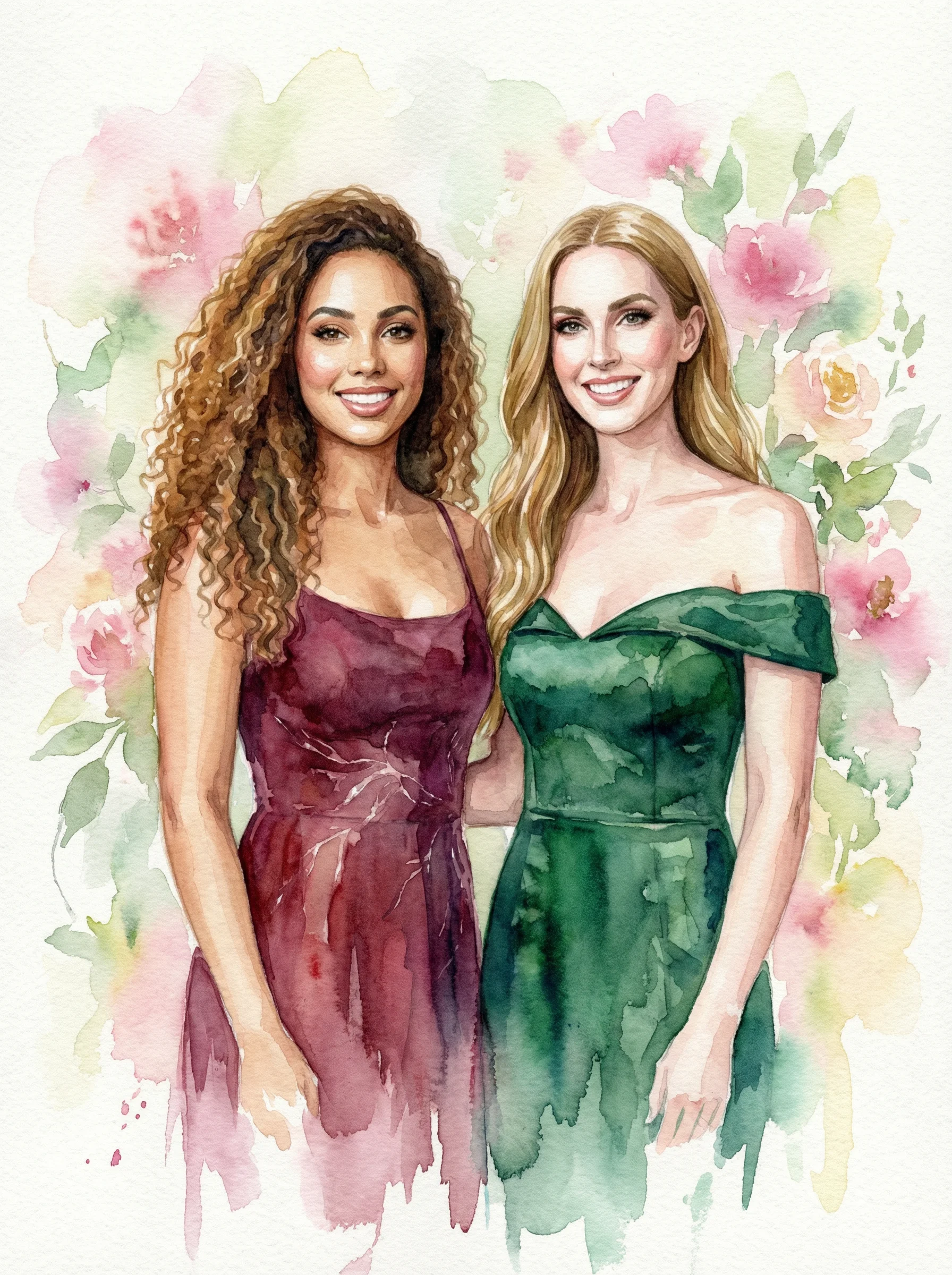
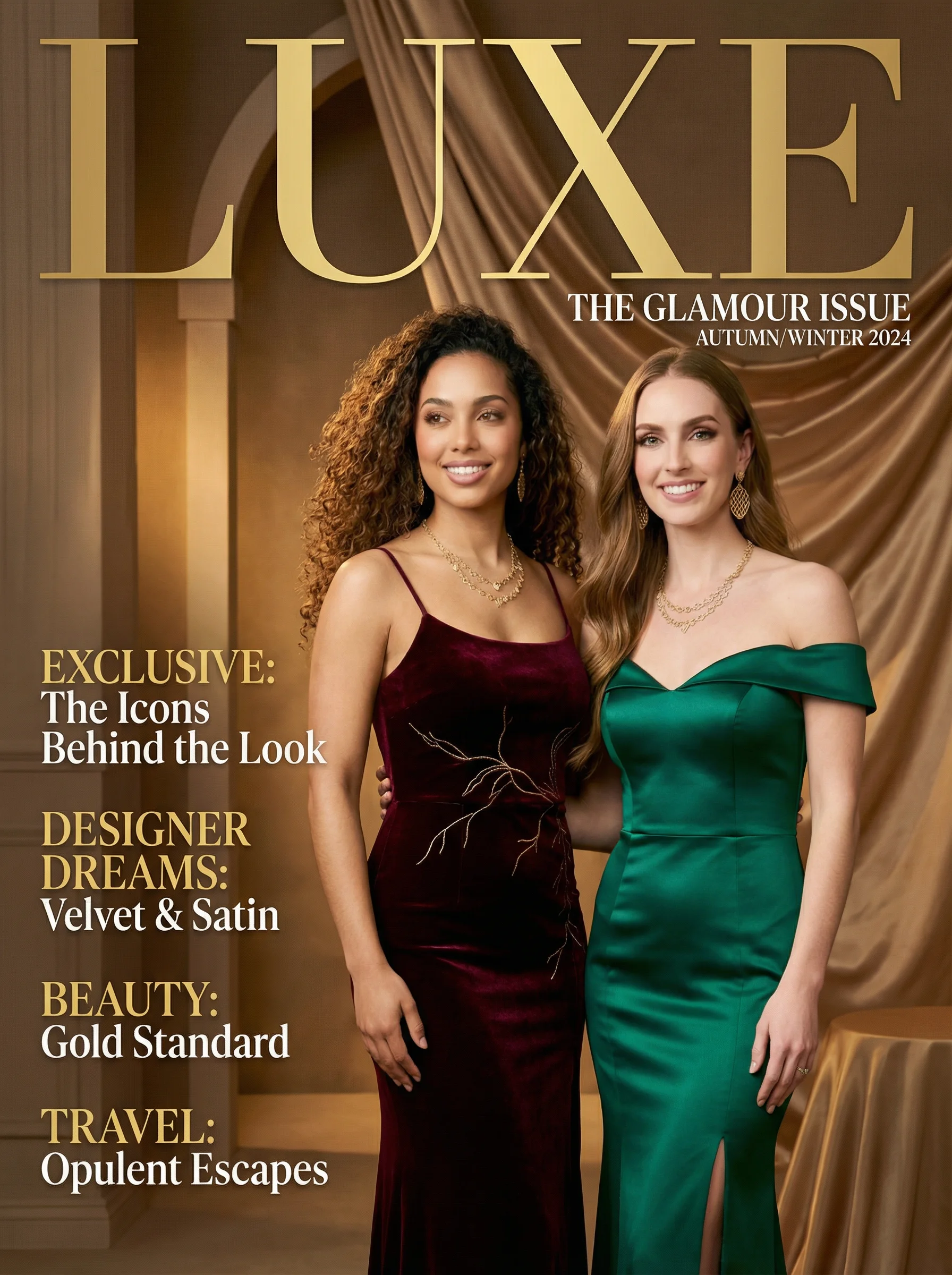
Every image on this page was generated from one guest photo.
Same photo. Different prompt. That's what PBPrompts does for your guests. Bring your own photo — or your clients' — and get results like these at every event.
Generate a booth-ready prompt for your next event in under 60 seconds.
Try the Free Generator →