Cinematic Photo Booth Prompts
5-scene AI prompt packs that transform your photo booth into a movie set. From Gatsby Glamour to Bollywood Blockbuster — every pack delivers a full cinematic arc guests will share instantly.
Shop Cinematic Packs → Try Free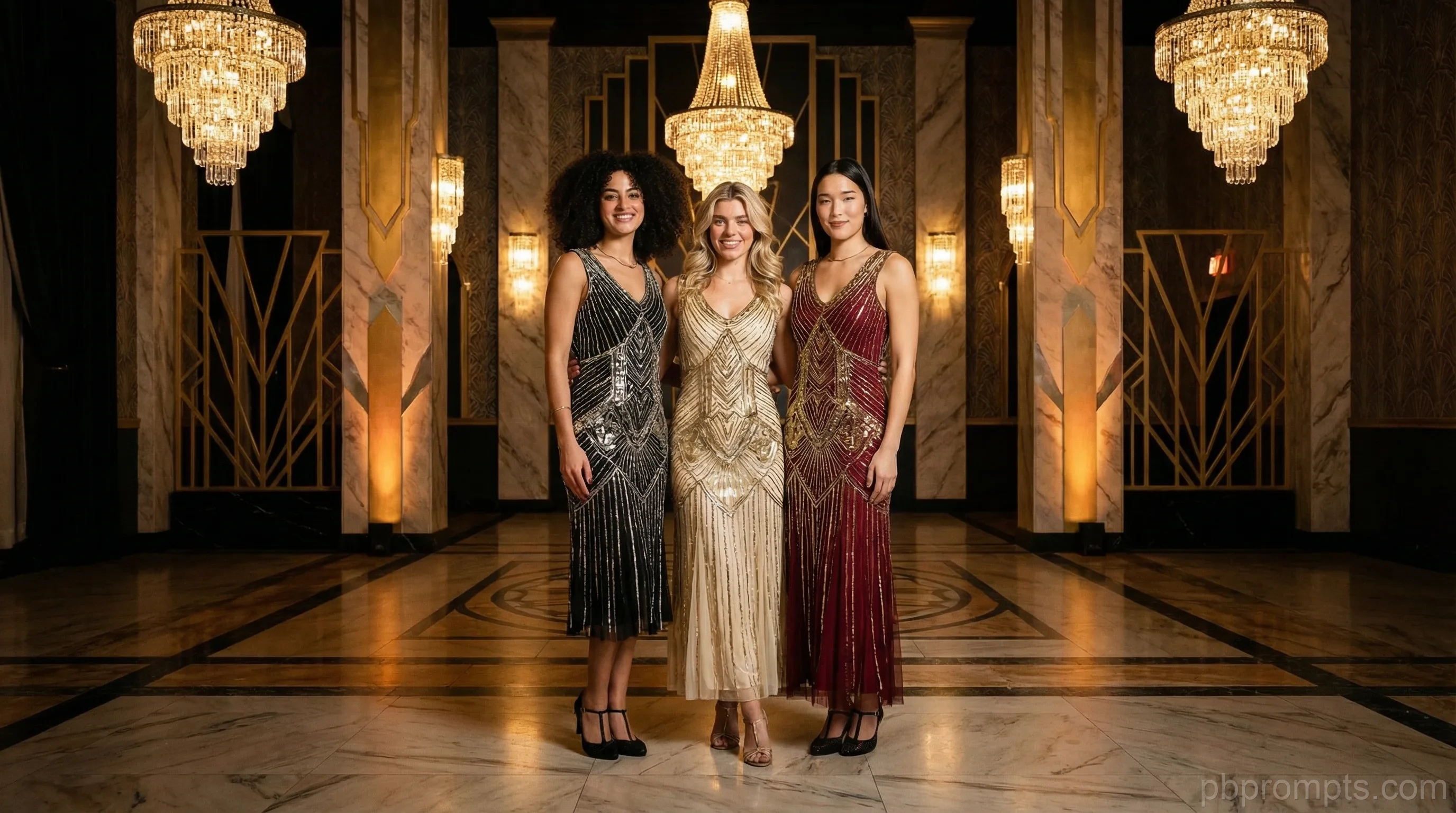
5-Scene Story Arcs, Not Single Backgrounds
Standard photo booth prompts give every guest the same image. Cinematic packs are built differently — each pack contains five distinct scenes that tell a visual story over the course of a single event. Scene 1 might be a grand entrance under chandeliers. Scene 3 a moody mid-shot with dramatic side lighting. Scene 5 a wide, sweeping reveal that feels like the final frame of a film.
This scene-arc structure is what separates cinematic packs from generic backgrounds. Guests who cycle through all five scenes leave with a coherent visual narrative rather than five versions of the same image. That story quality is what drives social sharing — and return bookings for operators who deliver it.
Every cinematic pack in the PBPrompts shop is engineered with this story structure in mind. Each scene is written to be visually distinct while maintaining a cohesive aesthetic thread through the full set. Copy-paste ready for Snappic, TouchPix, Booth.Events, and every major platform.
From Gatsby Glamour to Bollywood Blockbuster
The cinematic category spans a wide range of visual worlds. Gatsby Glamour places guests in the golden excess of a 1920s Art Deco ballroom — champagne towers, arched windows, warm tungsten chandeliers, and the haze of a legendary party frozen in a single frame. It is one of our most-booked packs for gala events, charity fundraisers, and upscale corporate parties.
Bollywood Blockbuster brings the vibrant energy of a Bollywood film set to any event — jewel-toned lighting, elaborate set dressing, and the exuberant visual language of South Asian cinema. Superhero Origin Story uses comic-book-inspired color separation and dynamic action framing to make every guest look like they just discovered their powers. Film Noir Detective converts your booth into a 1940s crime scene with moody contrast and hard-light shadows that feel lifted straight from a classic Hollywood picture.
New cinematic packs drop every week, each one bought individually. Pro subscribers get a members-only pack every month that never hits the shop, plus 25 custom prompts a day.
Platform Setup and Event Day Tips
Using a cinematic pack is straightforward on any major platform. In Snappic or TouchPix, paste each of the five scene prompts into a separate AI preset slot, then assign them to a gallery or event template. Guests can select their preferred scene, or you can set the scenes to rotate automatically. Booth.Events and LumaBooth support the same approach through their preset or template libraries.
For best results with cinematic packs, match your scene selection to the phase of the event. Open with a grand, high-energy scene during cocktail hour. Transition to more intimate, flattering scenes during dinner. Save dramatic wide shots for the peak energy moment — the dance floor, the toast, the reveal. The scene structure is built to support this timing, so lean into it.
Download your pack as a PDF, reference the scene notes, and load them in order. All packs include platform-specific formatting notes so prompts work correctly on both Snappic's and Booth.Events' input systems without adjustment. Questions? The free tool lets you test cinematic-style prompts before purchasing a full pack.
Frequently Asked Questions — Cinematic Packs
Works with