AI Photo Booth Prompts: The Complete Beginner's Guide for Booth Operators
If you've just added AI capabilities to your photo booth — or you're thinking about it — the single biggest factor in your results is the prompt. This guide breaks down everything you need to know to start writing prompts that produce stunning, client-ready images.
What Is an AI Photo Booth Prompt?
A prompt is a text instruction that tells AI software how to transform a guest's photo. When someone steps into your AI photo booth, the software takes their photo and feeds it through an AI model along with your prompt. The prompt controls the style, mood, quality, and creative direction of the final image.
Think of the prompt as a recipe. The guest's photo is the main ingredient, but the prompt determines whether you're making a gourmet dish or a microwave meal.
Why Prompts Matter More Than You Think
Most booth operators spend thousands on hardware and software, then copy-paste a random prompt they found online. The result? Generic, inconsistent images that don't impress clients.
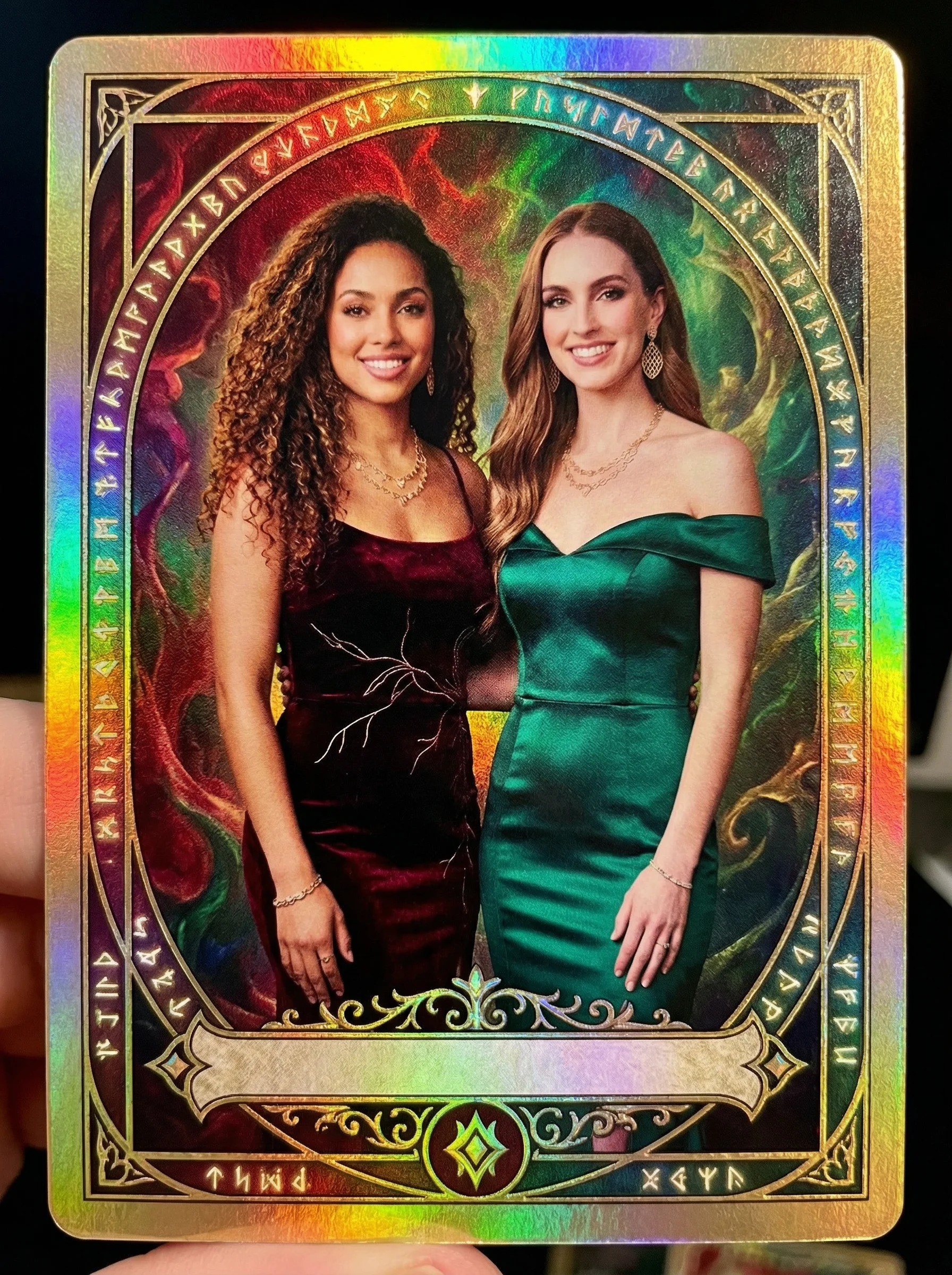
A well-crafted prompt is the difference between:
- A blurry, awkward transformation that guests ignore
- A jaw-dropping image that guests immediately share, tag, and rave about to your client
Great prompts lead to better guest experiences, more social media shares, happier clients, and ultimately — repeat bookings and referrals.
Generate a booth-ready prompt for your next event in under 60 seconds.
Try the Free Generator →The Anatomy of a Good Photo Booth Prompt
Every effective AI photo booth prompt has a few core components:
1. The Subject Description
This tells the AI what to do with the person in the photo. Be specific about how the person should appear. Instead of "a person standing," try "a person posing confidently in a professional studio setting."
2. The Style Direction
This defines the artistic style — oil painting, trading card, magazine cover, neon cyberpunk, etc. The more specific your style language, the more consistent your results.
3. Quality Modifiers
These are terms that push the AI toward higher quality output. Words like "highly detailed," "professional photography," "studio lighting," and "8K resolution" can significantly improve results.
4. Negative Prompts
Just as important as what you tell the AI to create is what you tell it to avoid. Negative prompts like "no blurry, no distorted faces, no extra fingers" help prevent common AI artifacts that ruin the guest experience.
Pro Tip: The order of your prompt matters. AI models tend to weight the beginning of your prompt more heavily than the end. Put your most important instructions first.
Common Beginner Mistakes
- Being too vague — "Make it cool" gives the AI nothing to work with. Be specific about style, mood, and composition.
- Ignoring negative prompts — Without them, you'll get random artifacts, extra limbs, and distorted features that kill the guest experience.
- Using the same prompt for every event — A wedding needs a completely different vibe than a corporate holiday party. Tailor your prompts to each booking.
- Not testing before the event — Always run your prompt through the software with test photos before event day. What works in your head might not work in practice.
- Overloading the prompt — Cramming too many conflicting styles and instructions creates muddled results. Focus on one clear creative direction.
Prompt Structure That Works
Here's a reliable framework you can follow for most AI photo booth prompts:
- Subject — Describe the person and their pose/setting
- Style — Define the artistic direction
- Details — Add specific visual elements, colors, textures
- Quality — Include quality-boosting modifiers
- Negative — List what to avoid
This order gives AI models a clear hierarchy of priorities and consistently produces better results than random prompt construction.
Matching Prompts to Events
Different events call for different approaches:
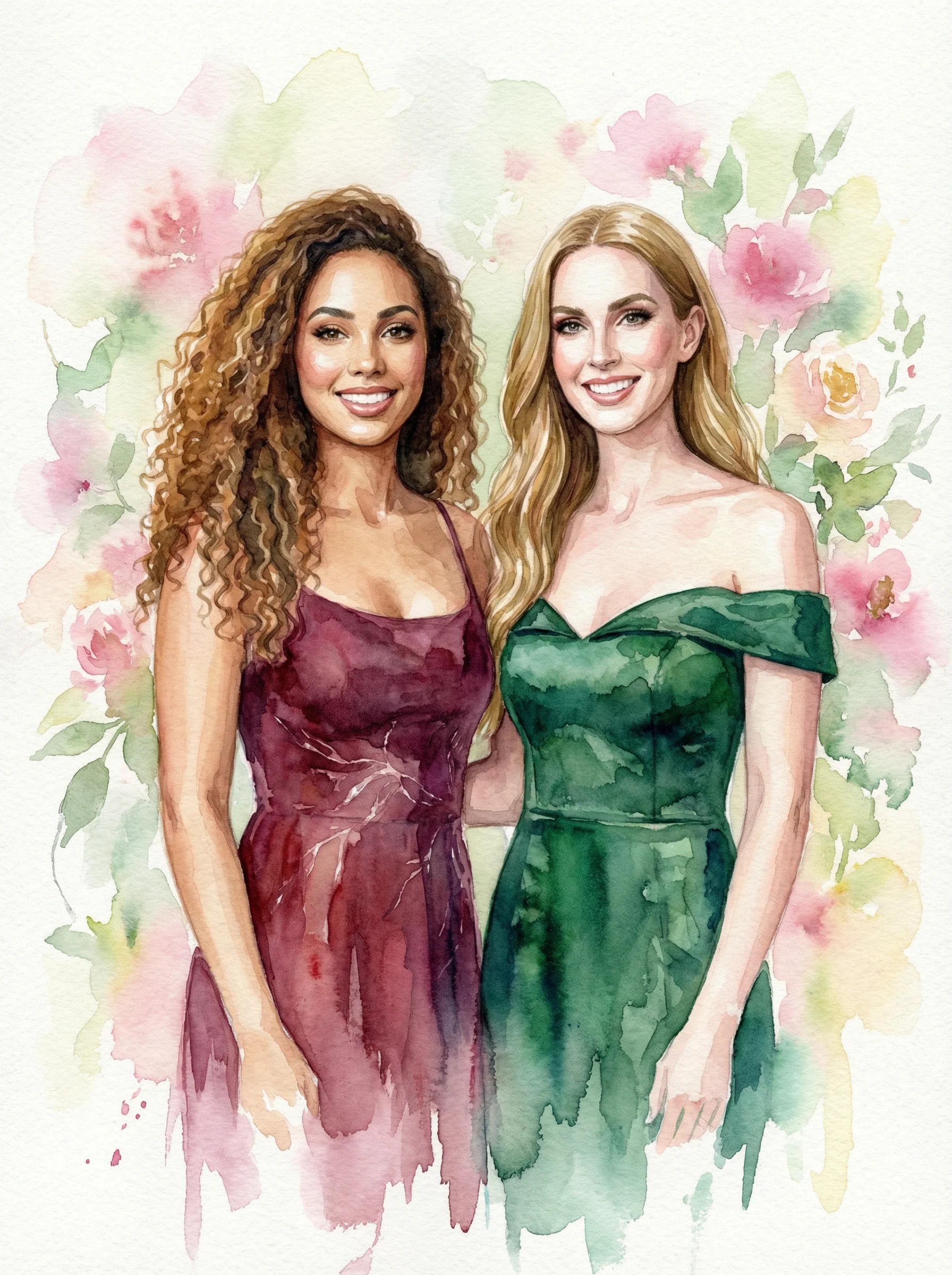
- Weddings — Elegant, romantic styles. Think oil paintings, soft lighting, fashion editorial. Avoid anything too edgy or dark.
- Corporate events — Professional but fun. Magazine covers, trading cards, and clean styles work well. Keep branding in mind.
- Birthday parties — Bold and playful. Neon cyberpunk, pop art, and comic book styles are crowd favorites.
- Holiday parties — Themed to the season. Festive elements, warm tones for winter, bright and vibrant for summer events.
- Bar/bat mitzvahs — Fun and age-appropriate. Trading cards, sticker styles, and illustrated looks are hits with teens.
Platform-Specific Considerations
Different photo booth software handles prompts slightly differently. Here are some general tips:
- Snappic (PersonaFX/BananaFX) — Supports field inputs for guest details. Use these to personalize each prompt dynamically.
- LumaBooth — Check your model settings and resolution output. Some prompts work better with specific model versions.
- TouchPix — Test prompt length limits. Some platforms truncate long prompts, which can cut off important instructions.
Regardless of platform, always test your exact prompt in your exact software setup before event day.
Remember: The best prompt in the world is useless if it doesn't work with your specific software, model settings, and hardware configuration. Testing is non-negotiable.
How to Get Better Faster
The fastest way to improve your prompts is to:
- Study what works — Look at the best AI photo booth images on social media. What styles are getting the most engagement?
- Iterate quickly — Don't spend hours on one prompt. Write it, test it, adjust, repeat. Speed of iteration beats perfection.
- Build a library — Save your best-performing prompts organized by event type and style. This becomes your competitive advantage.
- Use a prompt builder — Tools like PBP's free prompt generator take the guesswork out of prompt construction by giving you tested templates and modifiers.
Skip the Learning Curve
PBP's free prompt builder generates professional, booth-ready prompts in seconds. Pick your event, style, and mood — and get a prompt you can paste directly into your software.
Try the Free Prompt Builder →What's Next?
Once you're comfortable with the basics, explore more advanced techniques like:
- Using reverse engineering to extract prompts from AI images you admire
- Building themed prompt sets for specific event packages
- Creating premium style bundles that justify higher pricing
- Testing prompts across multiple AI models for the best results
The AI photo booth space is evolving fast. Operators who invest in their prompt skills now are the ones who will command premium prices in 2026 and beyond.
Generate a booth-ready prompt for your next event in under 60 seconds.
Try the Free Generator →About the Author: Liz Colon is the founder of PBP and a working photo booth operator at Captured Celebrations. She built PBP because she got tired of spending hours writing prompts instead of running her business.